
Your wedding.
Your story.
Your link.
Share your ceremonies, venue maps, photo memories, and real-time RSVPs with everyone you love — in one stunning, private link that opens effortlessly on every smartphone.
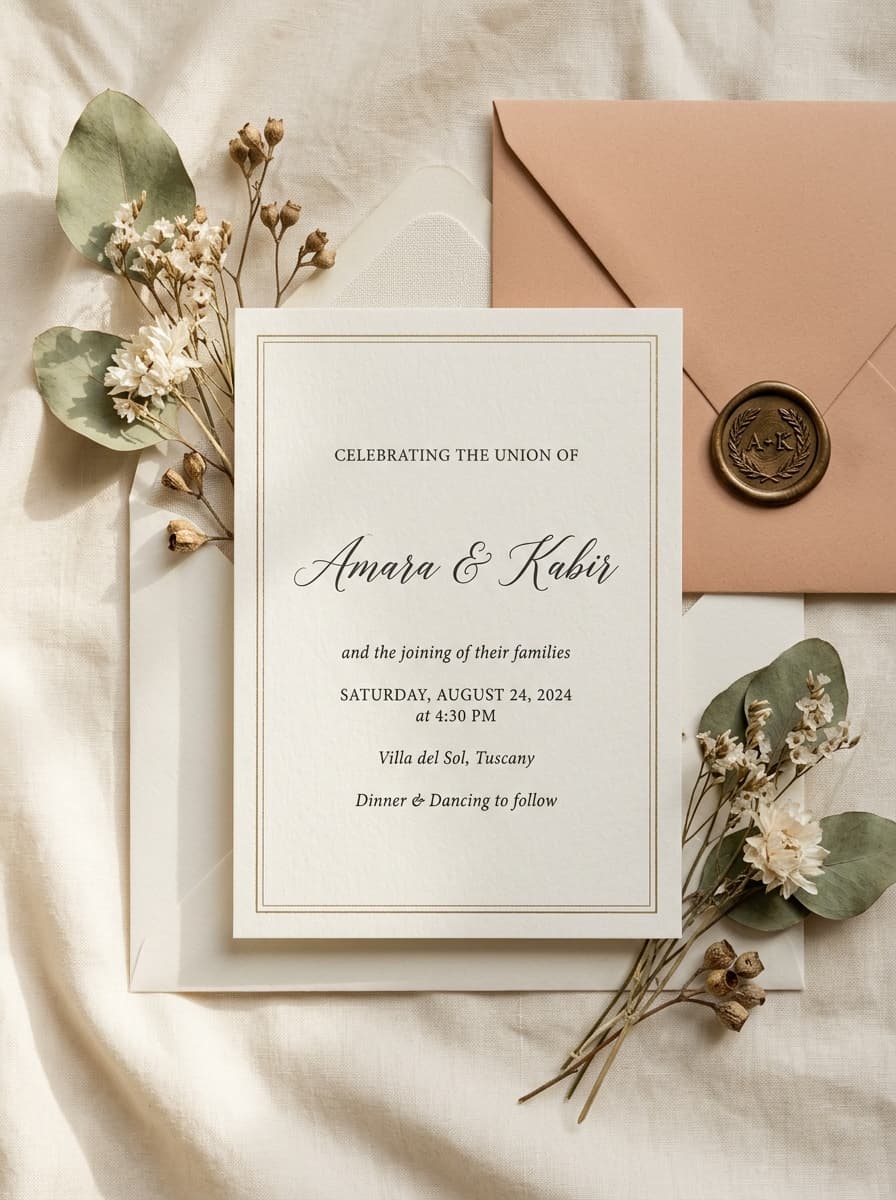
Find your invitation style
Explore complete live samples, or begin customizing directly in your private studio.
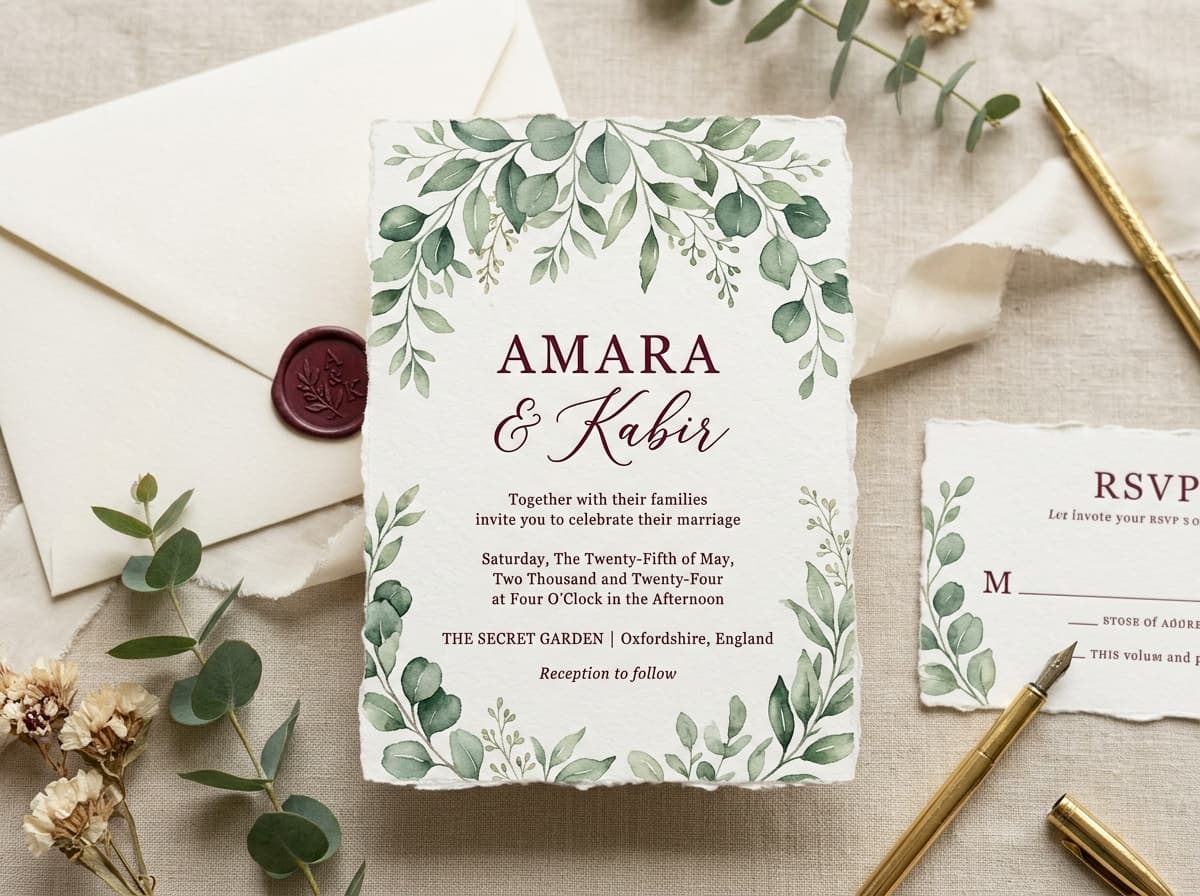
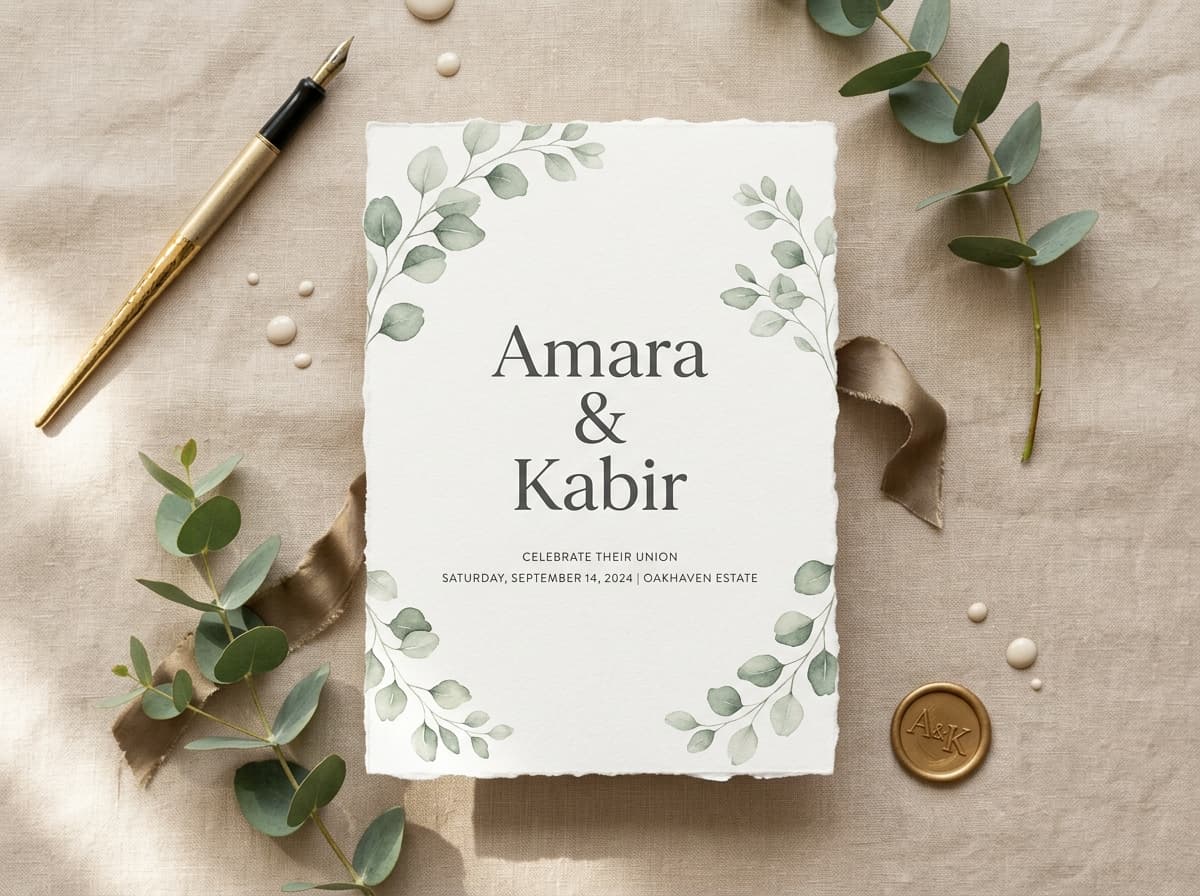
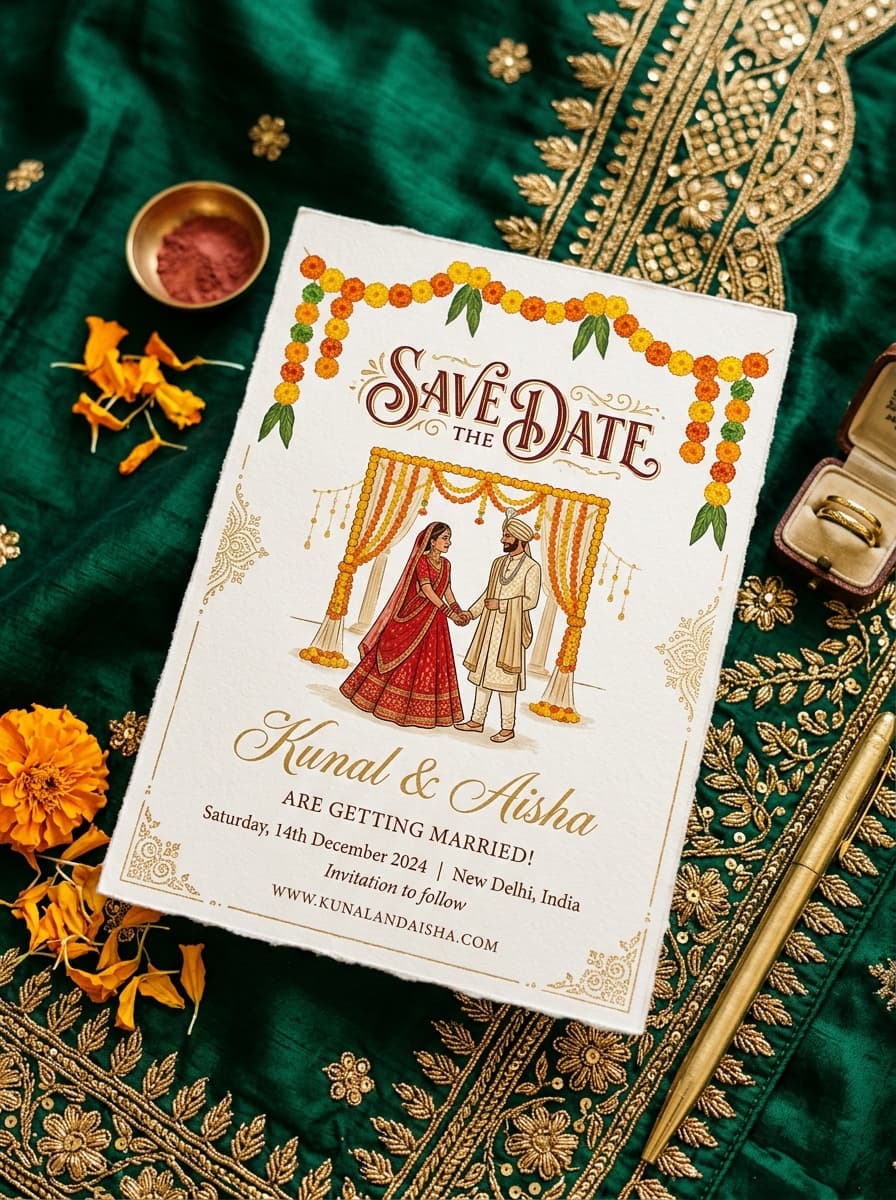

YOURS, ALL THE WAY THROUGH
Make the invitation feel like yours from the first hello to the last dance.
ONE LINK HAS IT ALL
Share your date, events, directions, photos and RSVP in a single link.
MADE FOR SHARING
A beautiful first that looks lovely wherever your guests open it.
Everything your guests need, in one touch
Designed to look breathtaking on iPhones, Androids, tablets, and laptops.
One-Tap RSVP & Headcount
No passwords or app downloads needed. Guests confirm attendance, meal choices, and leave heartfelt wishes instantly.
Event Schedules & Google Maps
From Haldi and Mehendi to Ceremony and Reception, guide guests smoothly with dates, dress codes, and single-tap directions.
Romantic Background Music
Set the mood with softly playing traditional or modern wedding melodies the moment your guests open their invitation.
Photo Memories & Live Countdown
Showcase pre-wedding shoots, your couple timeline, and an interactive countdown building excitement for the big day.
Ready in three easy steps
Takes under five minutes. No technical or design skills required.

Personalize
Make it yours with templates that feel like you.
Add everything
Share your events, directions, gallery and more.

Share & celebrate
Send your link and let the celebration begin.
Words from our couples
Real weddings celebrated across India, the UK, the US, and destination venues.
“Our guests couldn't stop raving about how easy it was to find the venue on Google Maps and RSVP directly from WhatsApp!”
“The aesthetic looked like a luxury international wedding magazine. Having all 4 ceremonies in one link saved so much confusion.”
“When we adjusted our ceremony timing, it updated everywhere instantly. No reprinting cards, zero stress. Highly recommend!”
“Your wedding story deserves a beautiful place to live, and a lovely link to share it.”

Frequently asked questions
Everything you need to know about creating and sharing your invitation.
Q. Do our guests need to download an app or create an account?
Never. Wedlinc links work instantly in any web browser on iOS, Android, tablets, and laptops. Guests simply tap your link to view everything.
Q. Can we make changes after sending the invitation to guests?
Yes! You have a private studio where you can update event timings, addresses, photo galleries, or text anytime. Your live link updates immediately.
Q. How do guests RSVP?
Guests enter their name, select which events they will attend, and specify their party count. All responses populate instantly in your private dashboard.
Q. Can we add multiple wedding ceremonies (e.g., Sangeet, Wedding, Reception)?
Yes. Every template supports full multi-event itineraries, complete with dates, times, dress codes, and Google Maps venue navigation.
Start your forever, beautifully
Create your private invitation studio in seconds. Explore templates, preview live, and send when you’re ready.